Maya Chen20m ago
 Sam Rivera12m ago
Compare
Put two versions of an image, video, or 3D model side by side, wipe between them, or show only what changed.
Pin feedback to the exact spot on an image, a 3D model, a video frame, or a stretch of audio.
See all the feedback in one list, filter it by status, and link a comment to the task that fixes it.
Put two versions of an image, video, or 3D model side by side, wipe between them, or show only what changed.
Download timestamped comments on a video or audio file as markers for Premiere Pro, DaVinci Resolve, or Final Cut Pro, or as a CSV.
File types
Choose the spot, frame, or stretch of sound your comment is about.

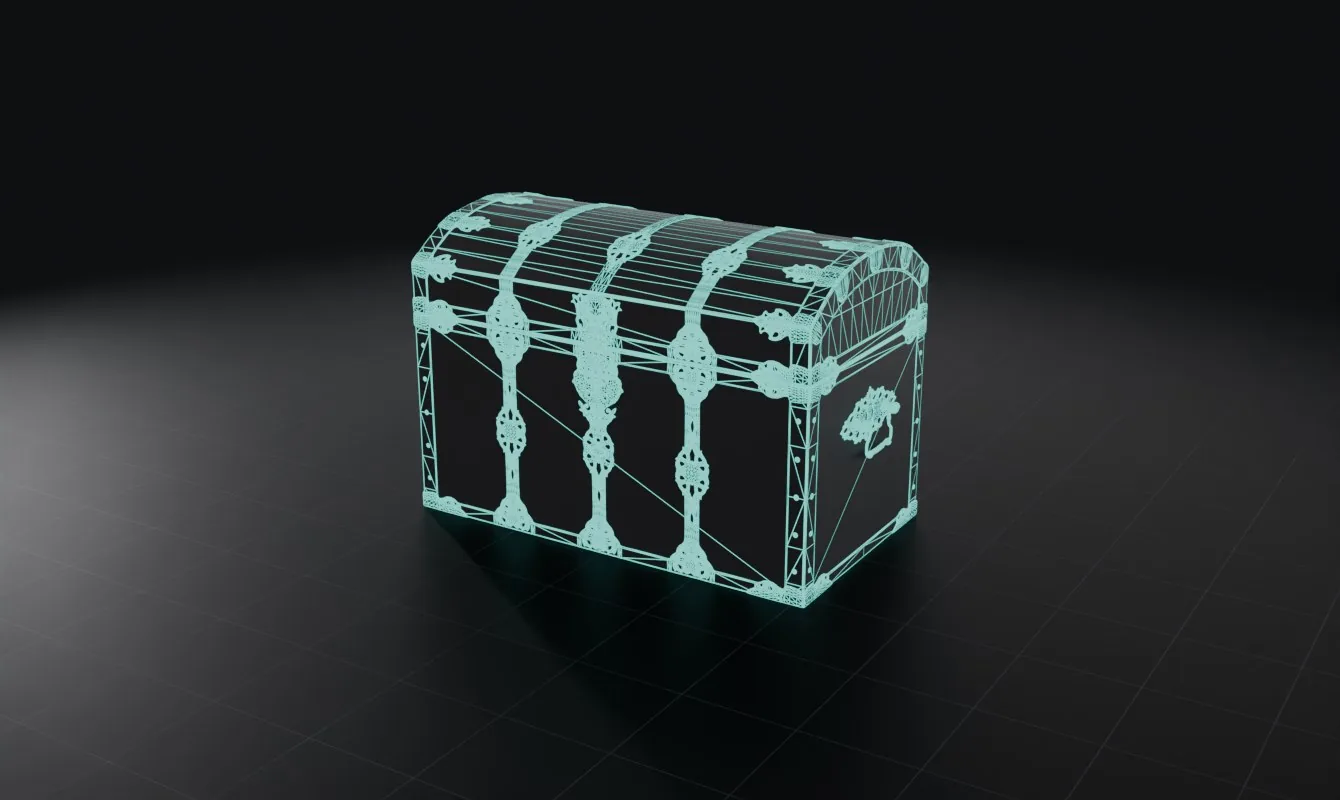
Pin comments to the model, switch between shaded, wireframe, and clay views, and check its triangle count.
Step through a clip frame by frame and pin the pose that needs work.
Draw on the image or pin a comment to one spot.
Leave a comment on the exact frame.
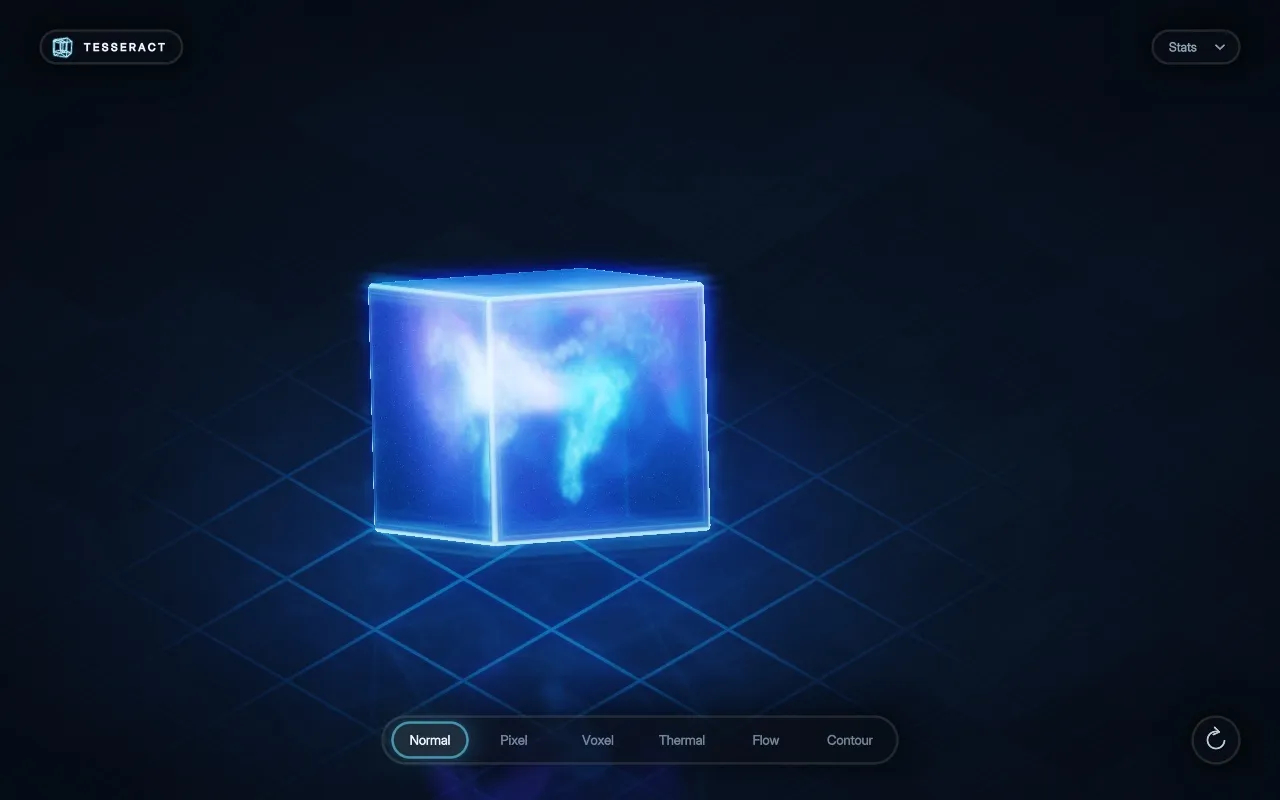
Play the file and pin feedback to what you see. Drag the cube or switch its filters to try it.
Drag across the waveform to comment on a stretch of sound.
Our public showcase portal has posts with Rive animations, a video, and images. Open them in the viewer.
Open the showcase